Overview
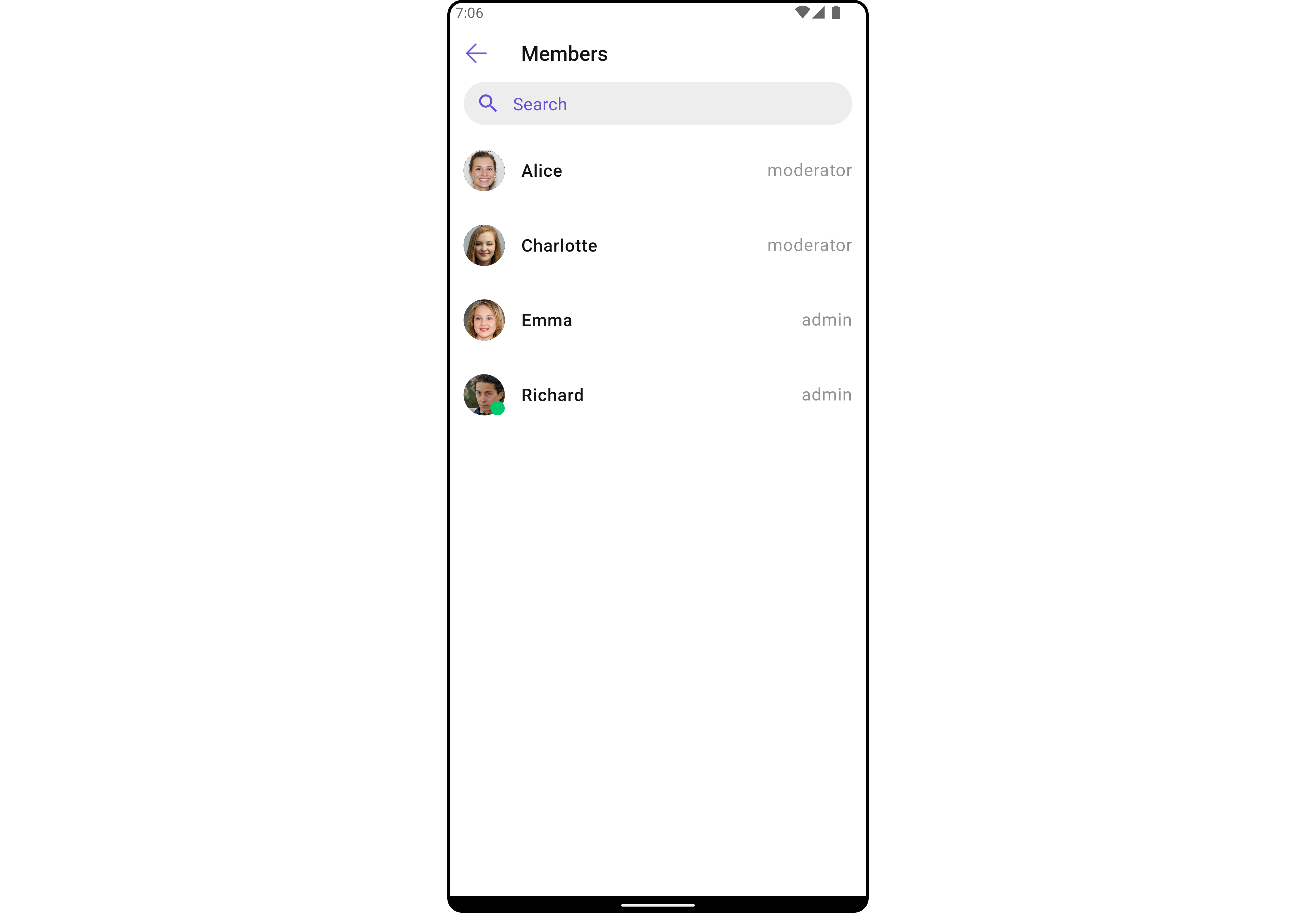
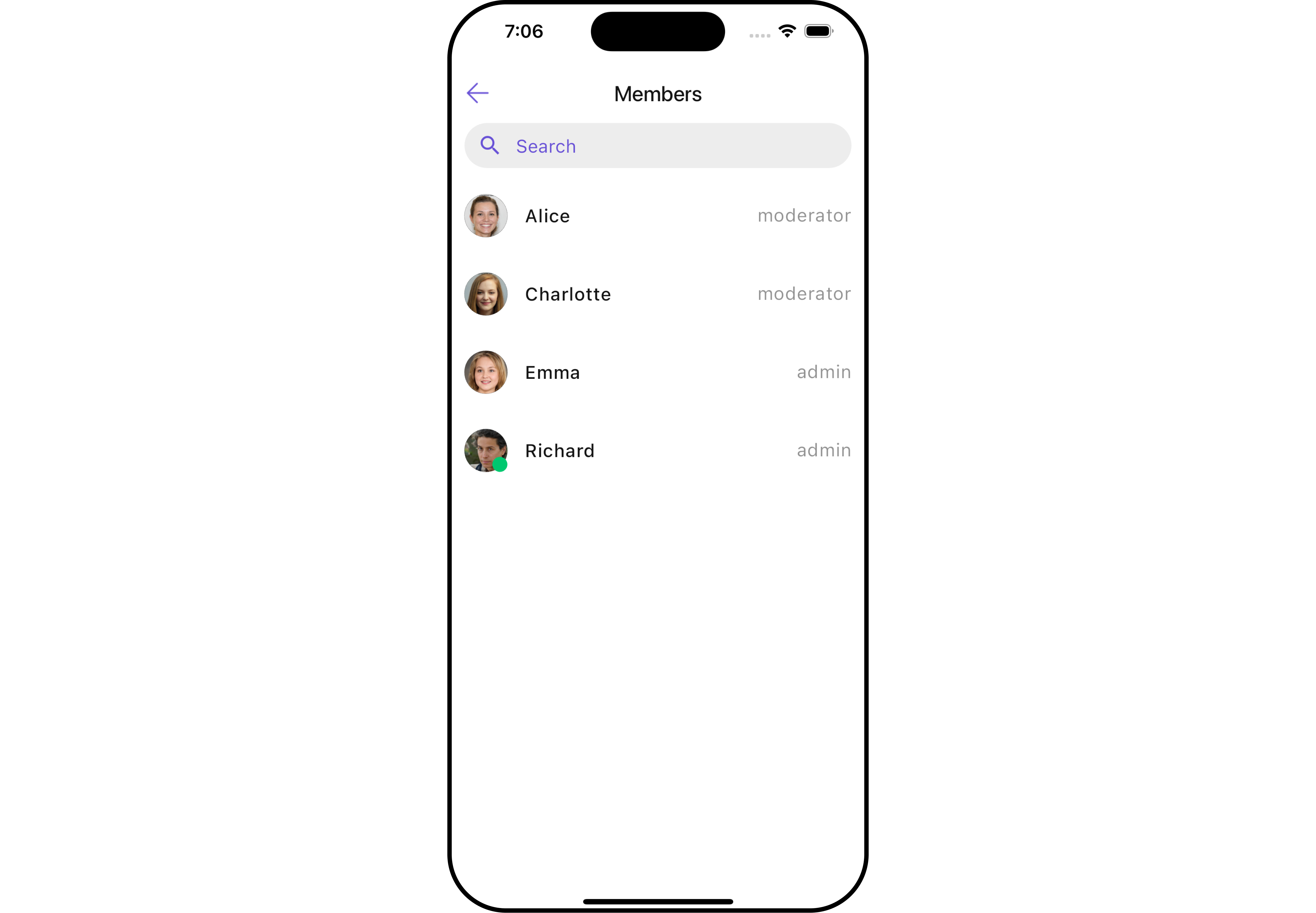
CometChatTransferOwnership is a Widget that allows the current owner or administrator of a group to transfer the ownership rights and administrative control of that group to another user. By transferring ownership, the original owner can designate a new user as the group owner, giving them full control and administrative privileges over the group.
CometChatTransferOwnership is a Widget that allows the current owner or administrator of a group to transfer the ownership rights and administrative control of that group to another user. By transferring ownership, the original owner can designate a new user as the group owner, giving them full control and administrative privileges over the group.
Here are some key points regarding the transfer ownership feature in CometChat:
- Administrative Control: The current owner or administrator of the group has the authority to initiate the transfer of ownership. This feature is typically available to ensure flexibility and allow smooth transitions of group ownership.
- New Group Owner: During the transfer process, the current owner can select a specific user from the group members to become the new owner. This new owner will then assume the responsibilities and privileges associated with being the group owner.
- Administrative Privileges: As the new owner, the designated user will gain full administrative control over the group. They will have the ability to manage group settings, add or remove members, moderate conversations, and perform other administrative actions.
- Group Continuity: Transferring ownership does not disrupt the existing group or its content. The transfer ensures the continuity of the group while transferring the administrative control to a new owner.
- Android
- iOS
Usage
Integration
CometChatTransferOwnership, as a composed of the CometChatGroupMembers, offers flexible integration options, allowing it to be launched directly via button clicks or any user-triggered action. Additionally, it seamlessly integrates into activity and Fragment. With transfer ownership, users gain access to a wide range of parameters and methods for effortless customization of its user interface.
You can launch CometChatTransferOwnership directly using Navigator.push , or you can define it as a widget within the build method of your State class.
1. Using Navigator to Launch CometChatTransferOwnership
- Dart
2. Embedding CometChatTransferOwnership as a Widget in the build Method
- Dart
Actions
Actions dictate how a widget functions. They are divided into two types: Predefined and User-defined. You can override either type, allowing you to tailor the behavior of the widget to fit your specific needs.1. onTransferOwnership
This is a callback function that is triggered when the ownership of a group is transferred. It takes two parameters: a GroupMember object representing the new owner of the group, and a Group object representing the group whose ownership is being transferred.- Dart
2. onBack
Enhance your application’s functionality by leveraging theonBack feature. This capability allows you to customize the behavior associated with navigating back within your app. Utilize the provided code snippet to override default behaviors and tailor the user experience according to your specific requirements.
- Dart
3. onError
You can customize this behavior by using the provided code snippet to override theonError and improve error handling.
- Dart
Filters
Filters allow you to customize the data displayed in a list within a Widget. You can filter the list based on your specific criteria, allowing for a more customized. Filters can be applied using RequestBuilders of Chat SDK.1. GroupMembersRequestBuilder
The GroupMembersRequestBuilder enables you to filter and customize the group members list based on available parameters inGroupMembersRequestBuilder. This feature allows you to create more specific and targeted queries when fetching groups. The following are the parameters available in GroupMembersRequestBuilder
Example
In the example below, we are applying a filter to the members by setting the limit to 10.
- Dart
2. CustomTransferOwnershipProtocol
The SearchRequestBuilder uses GroupMembersRequestBuilder enables you to filter and customize the search list based on available parameters inGroupMembersRequestBuilder. This feature allows you to keep uniformity between the displayed Group Members List and searched Group Members List.
Example
This feature allows you to keep uniformity between the displayed Members list and searched Members.
Example
- Dart
custom_protocol.dart
- Dart
main.dart
Events
Events are emitted by aWidget. By using event you can extend existing functionality. Being global events, they can be applied in Multiple Locations and are capable of being Added or Removed.
Events emitted by the Join Group widget is as follows.
Example
- Dart
Customization
To fit your app’s design requirements, you can customize the appearance of the Transfer Ownership widget. We provide exposed methods that allow you to modify the experience and behavior according to your specific needs.Style
Using Style you can customize the look and feel of the widget in your app, These parameters typically control elements such as the color, size, shape, and fonts used within the widget.1. TransferOwnership Style 🛑
You can set the transferOwnershipStyle to the Transfer Ownership Widget to customize the styling.- Dart
- Android
- iOS
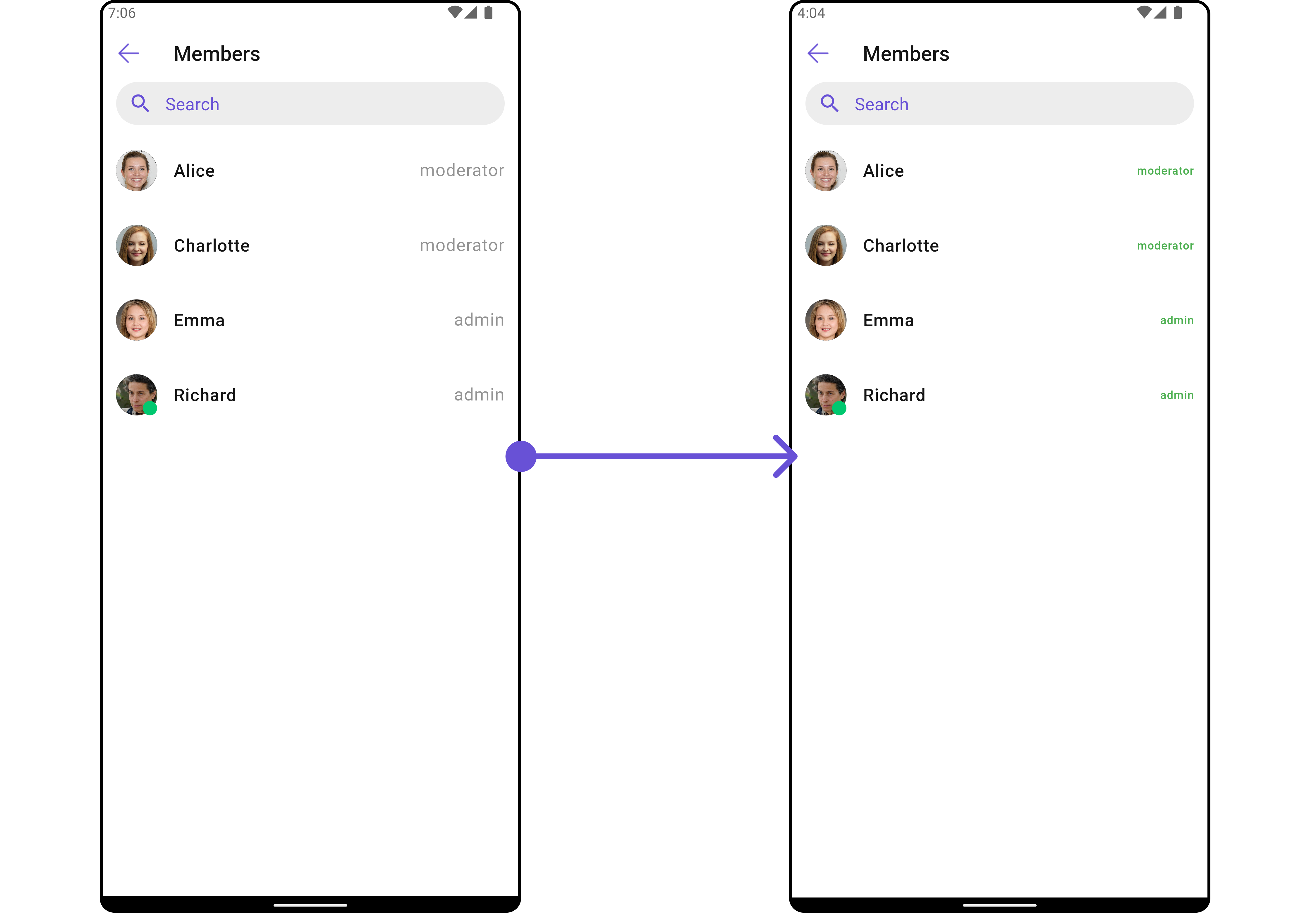
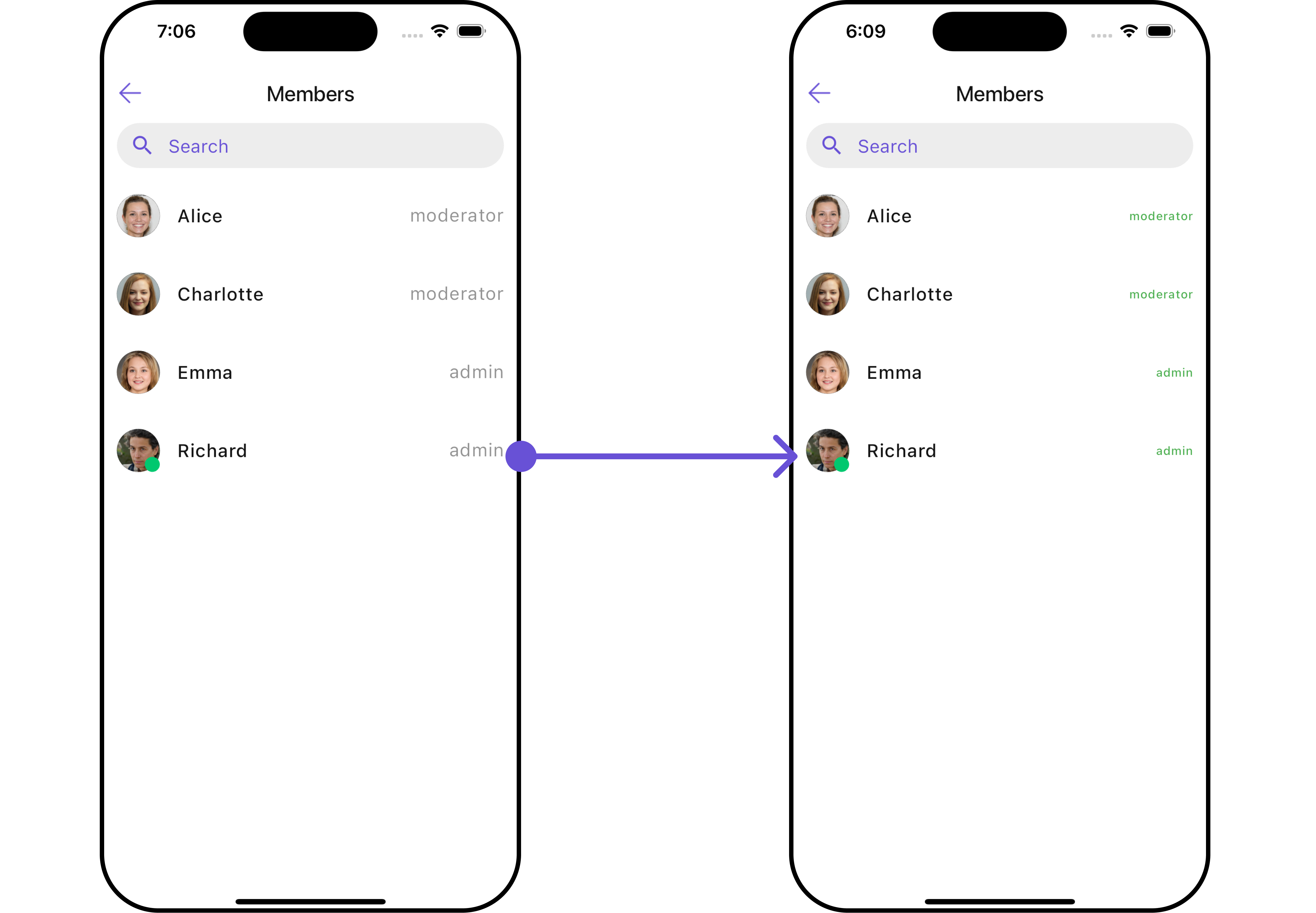
TransferOwnershipStyle
2. Avatar Style
To apply customized styles to theAvatar Widget in the Banned Members Widget, you can use the following code snippet. For further insights on Avatar Styles refer
- Dart
3. StatusIndicator Style
To apply customized styles to the Status Indicator widget in theCometChatTransferOwnership Widget, You can use the following code snippet. For further insights on Status Indicator Styles refer
- Dart
4. ListItem Style
To apply customized styles to theListItemStyle in the CometChatTransferOwnership Widget, you can use the following code snippet. For further insights on List Item Styles refer
- Dart
5. GroupMembers Style
You can set theGroupMembersStyle to the Transfer Ownership Widget to customize the styling, you can use the following code snippet. For further insights on GroupMembers Styles refer
- Dart
Functionality
These are a set of small functional customizations that allow you to fine-tune the overall experience of the widget. With these, you can change text, set custom icons, and toggle the visibility of UI elements.- Dart
- Android
- iOS
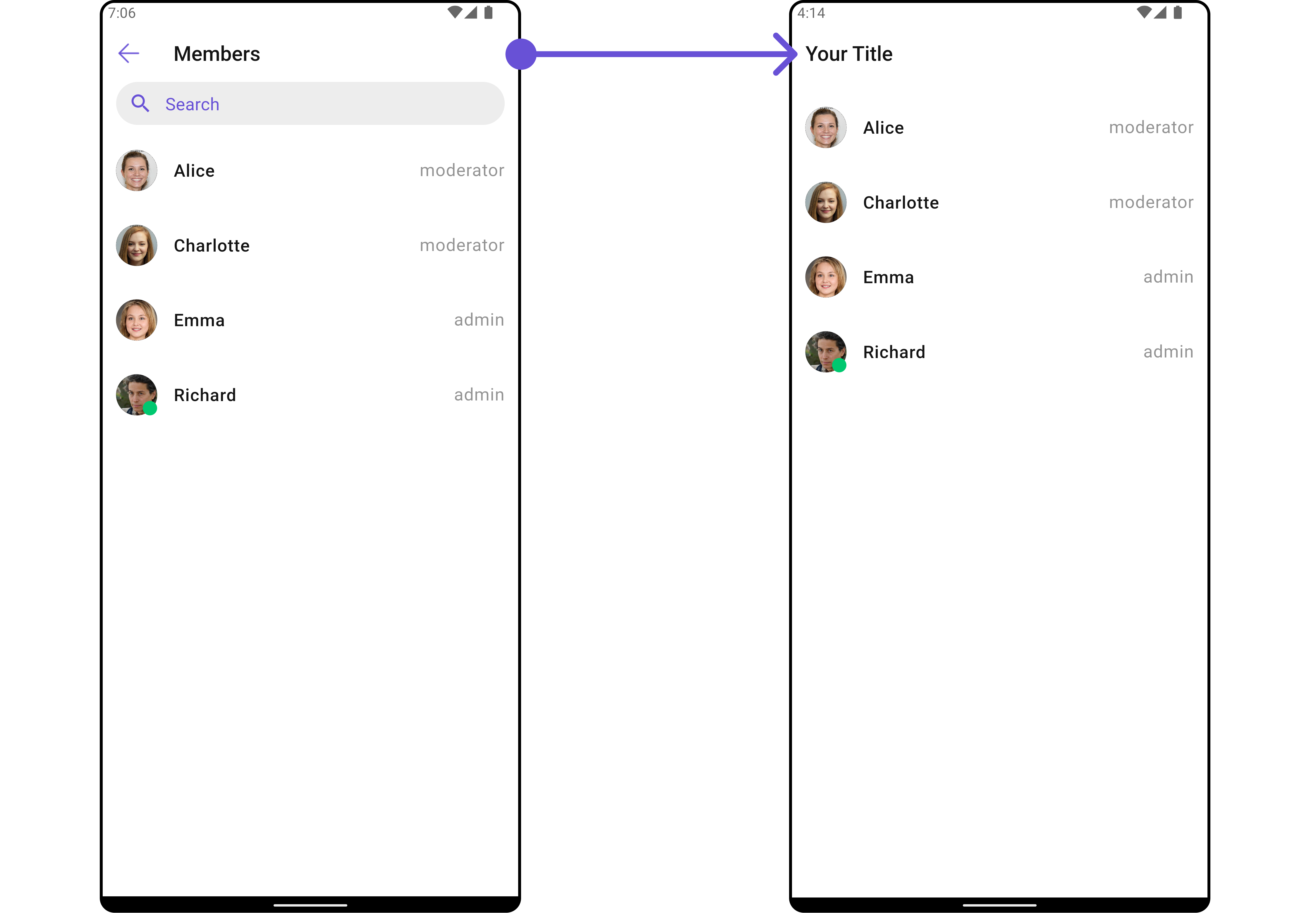
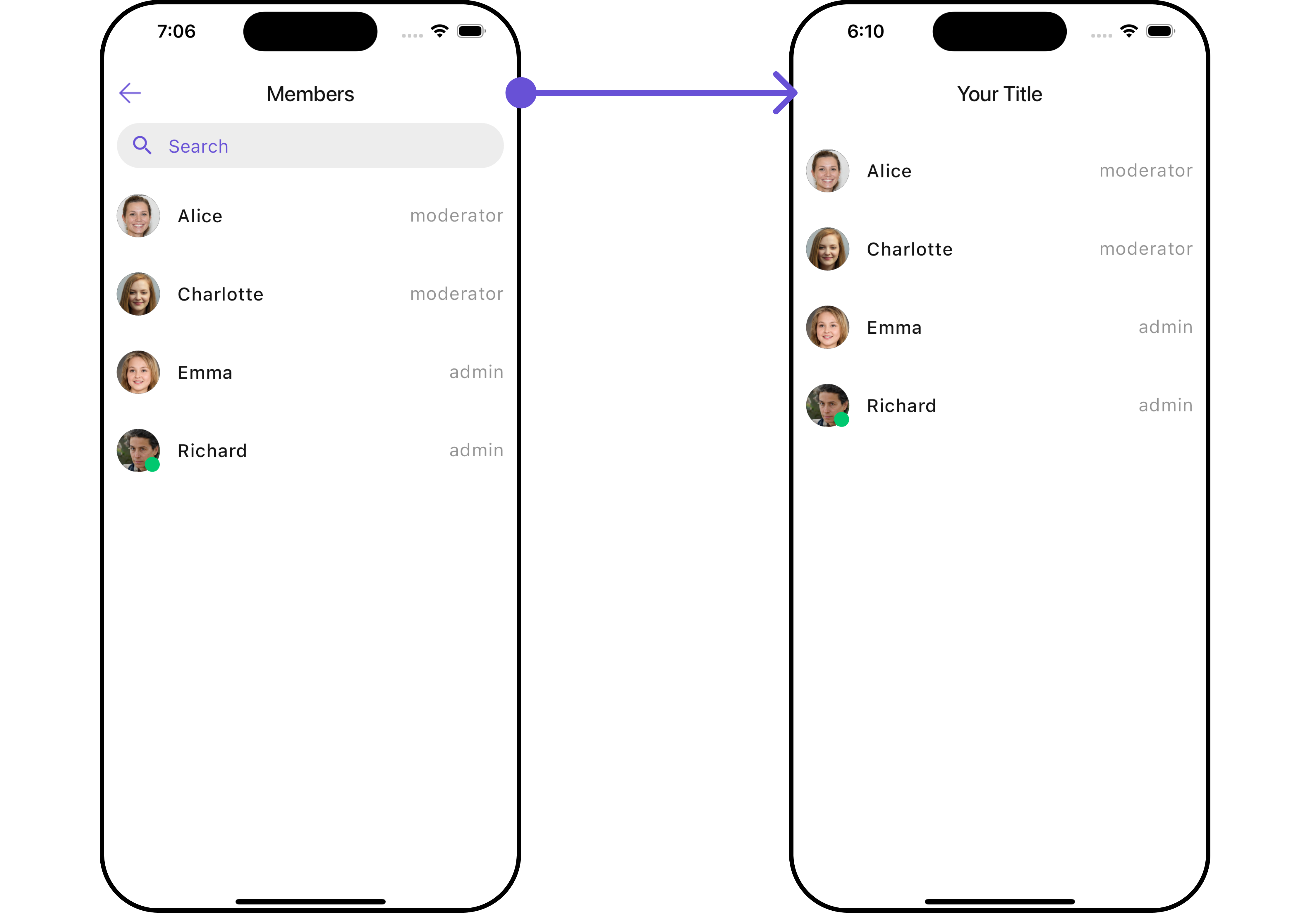
CometChatTransferOwnership
Advance
For advanced-level customization, you can set custom views to the widget. This lets you tailor each aspect of the widget to fit your exact needs and application aesthetics. You can create and define your own widget and then incorporate those into the widget.ListItemView
With this function, you can assign a custom ListItem to theCometChatTransferOwnership Widget.
- Dart
widget
custom_list_item.dart for more complex or unique list items.
- Dart
custom_list_item.dart
- Dart
main.dart
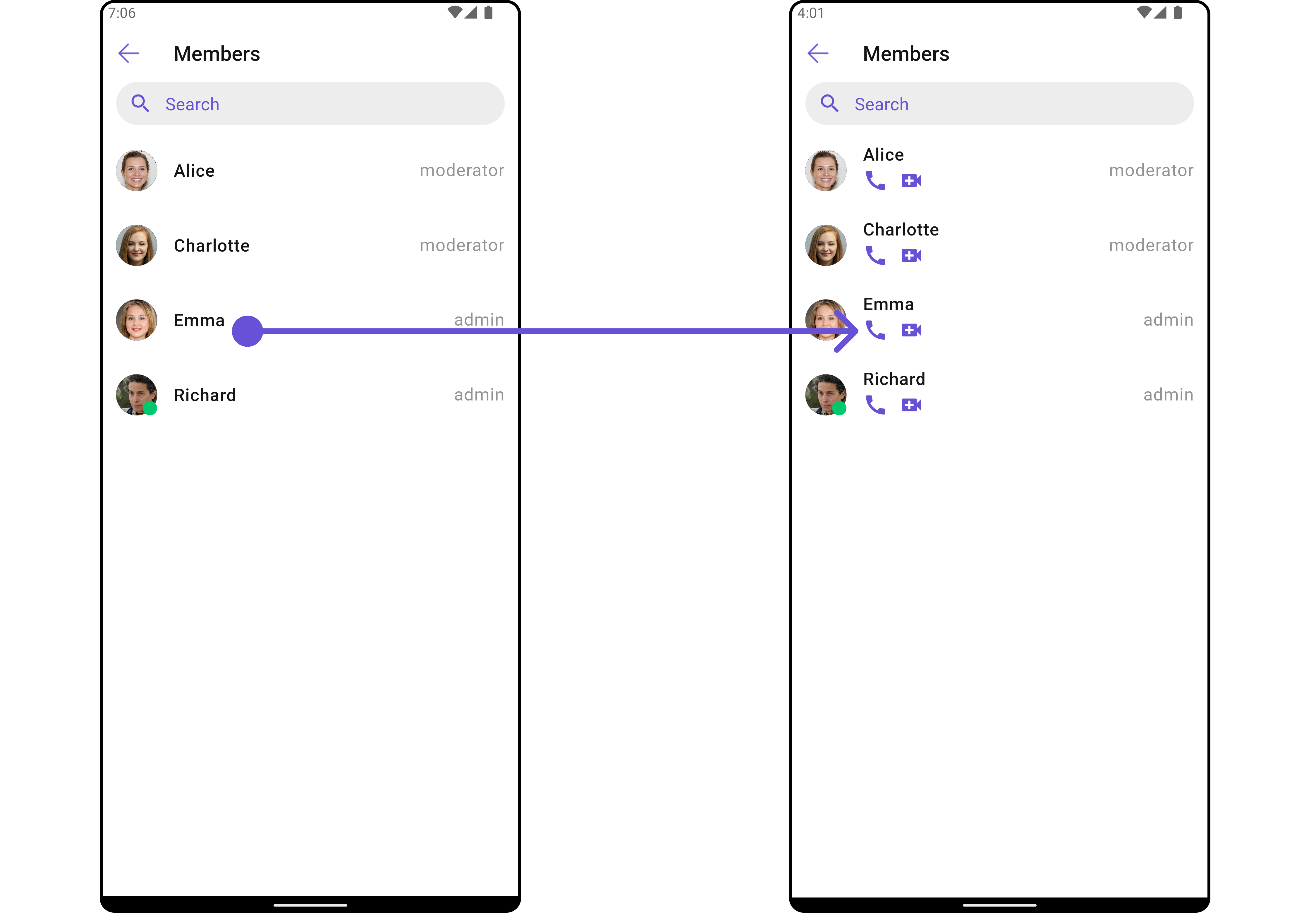
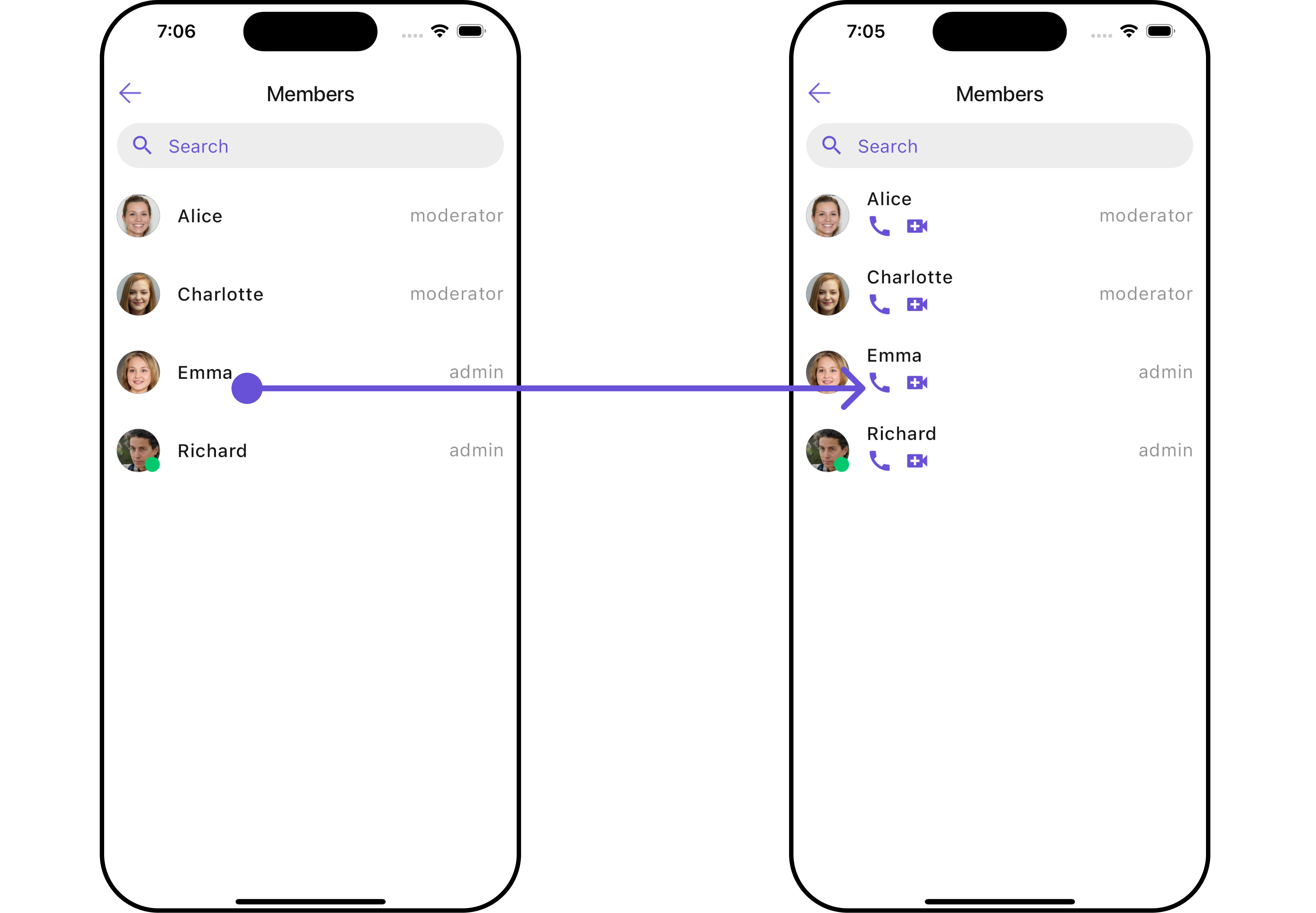
SubtitleView
You can customize the subtitle view for each item to meet your specific preferences and needs.- Dart
widget
- Dart
main.dart
- Android
- iOS
EmptyStateView
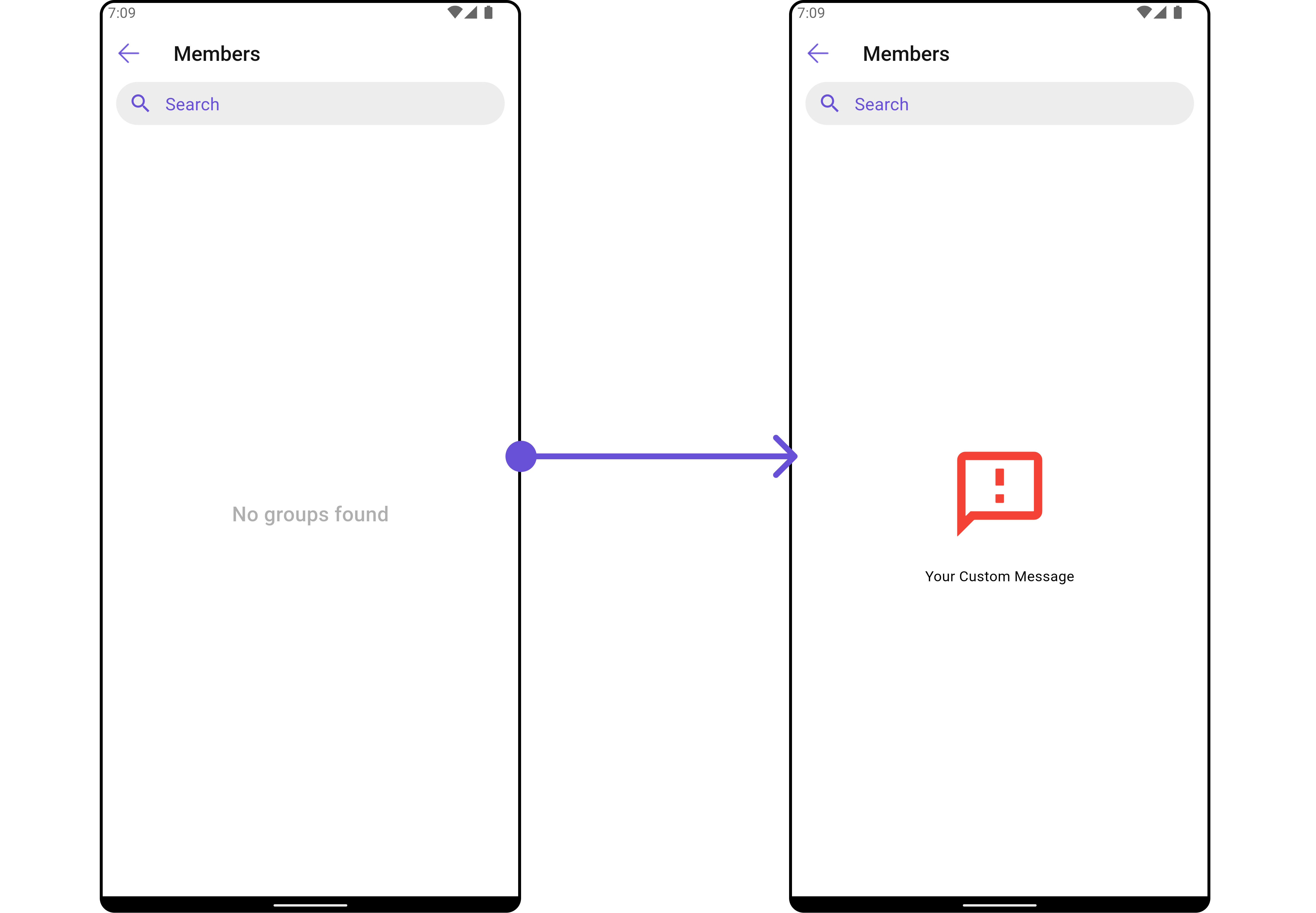
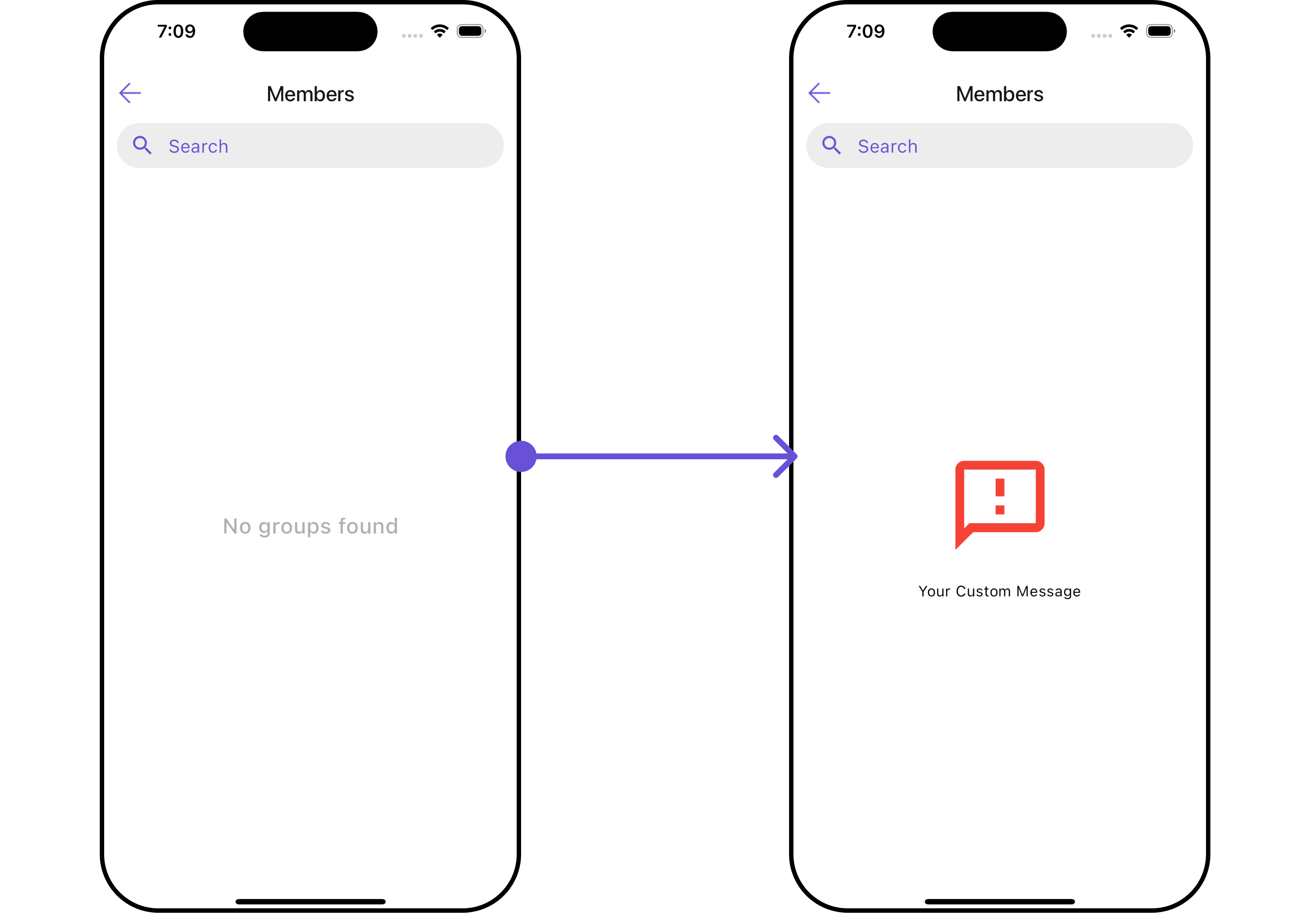
You can set a customEmptyStateView using emptyStateView to match the error widget of your app.
- Dart
widget
- Dart
main.dart
- Android
- iOS
LoadingStateView
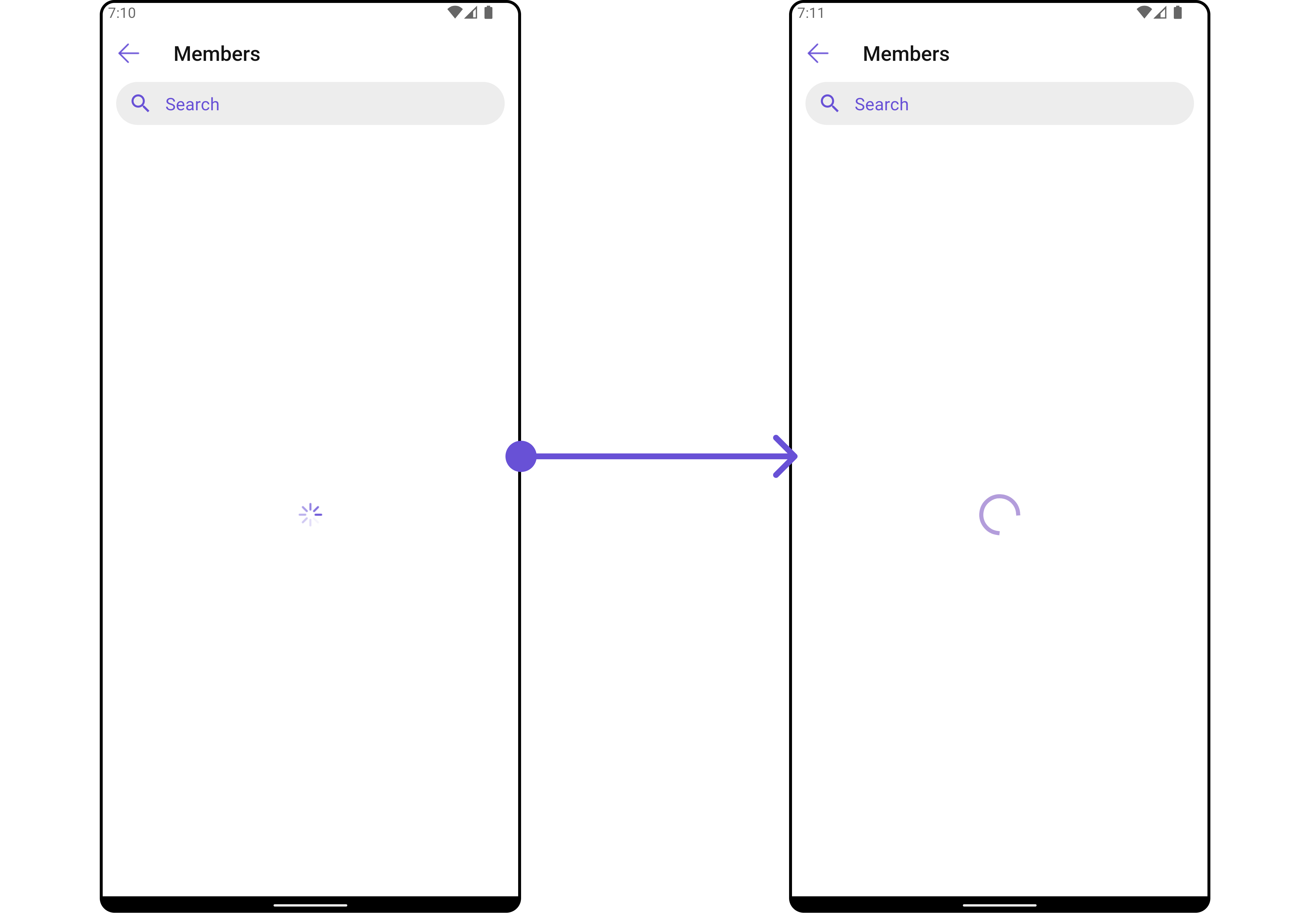
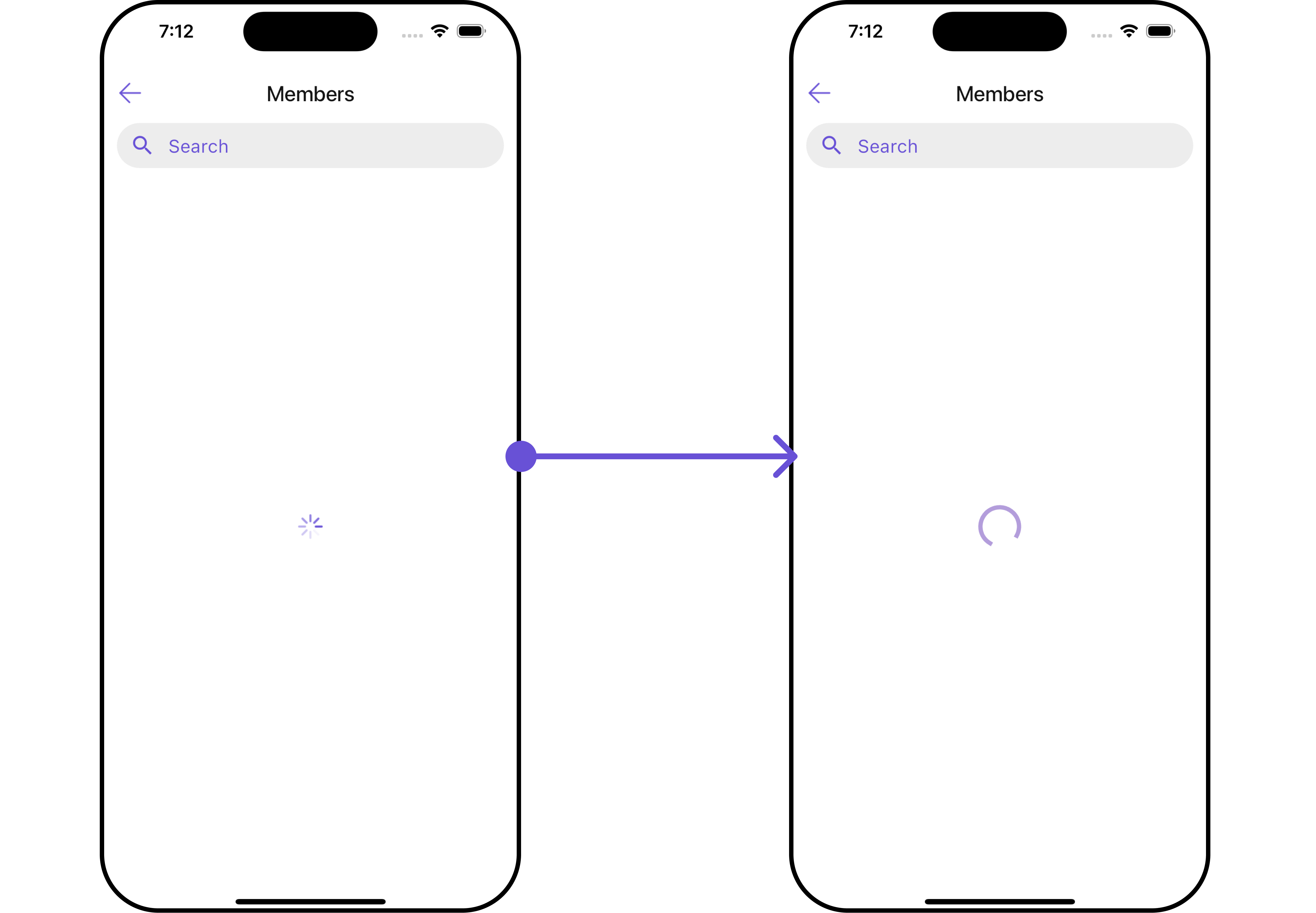
You can set a custom loader widget usingloadingStateView to match the loading UI of your app.
- Dart
widget
- Dart
main.dart
- Android
- iOS
ErrorStateView
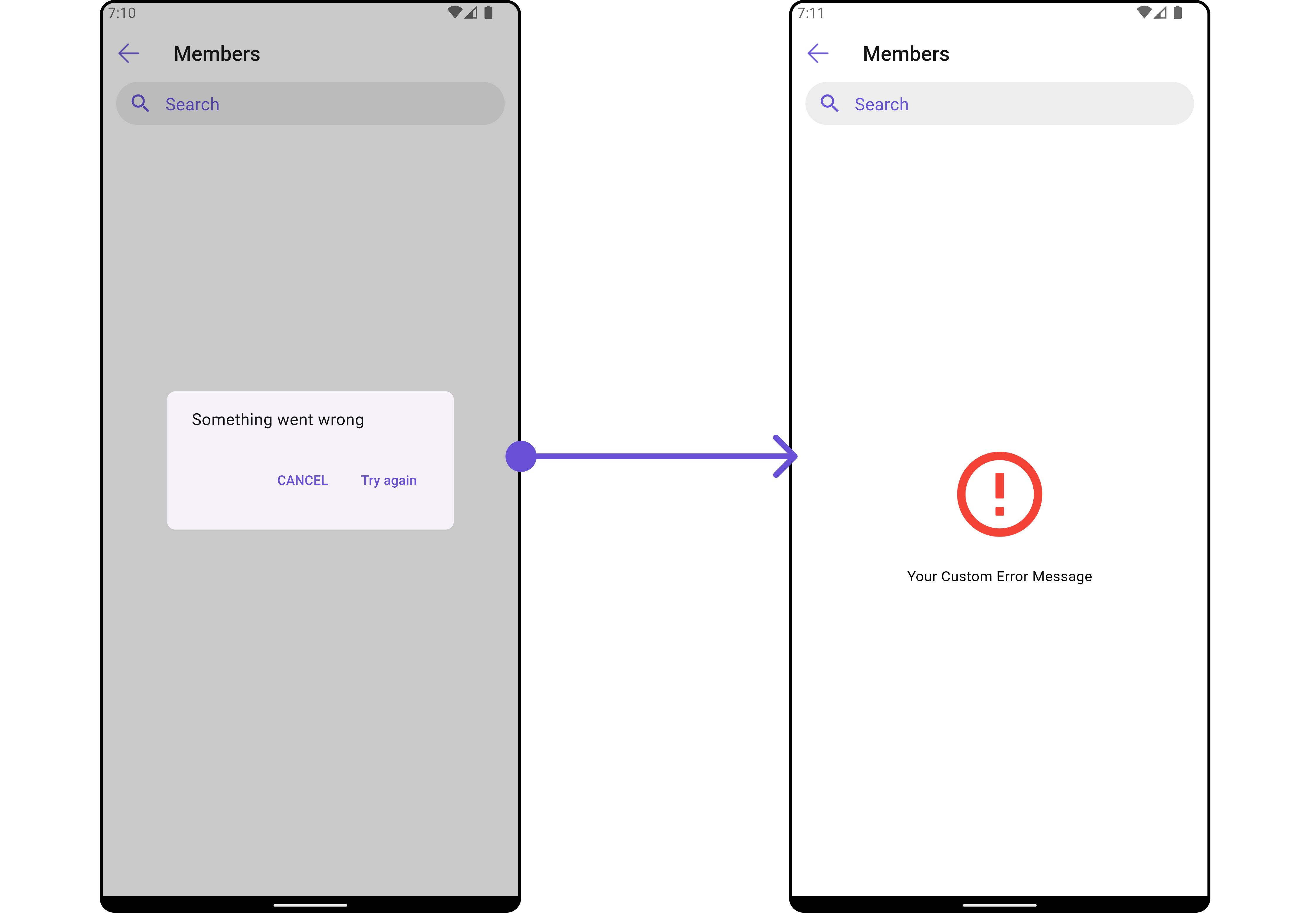
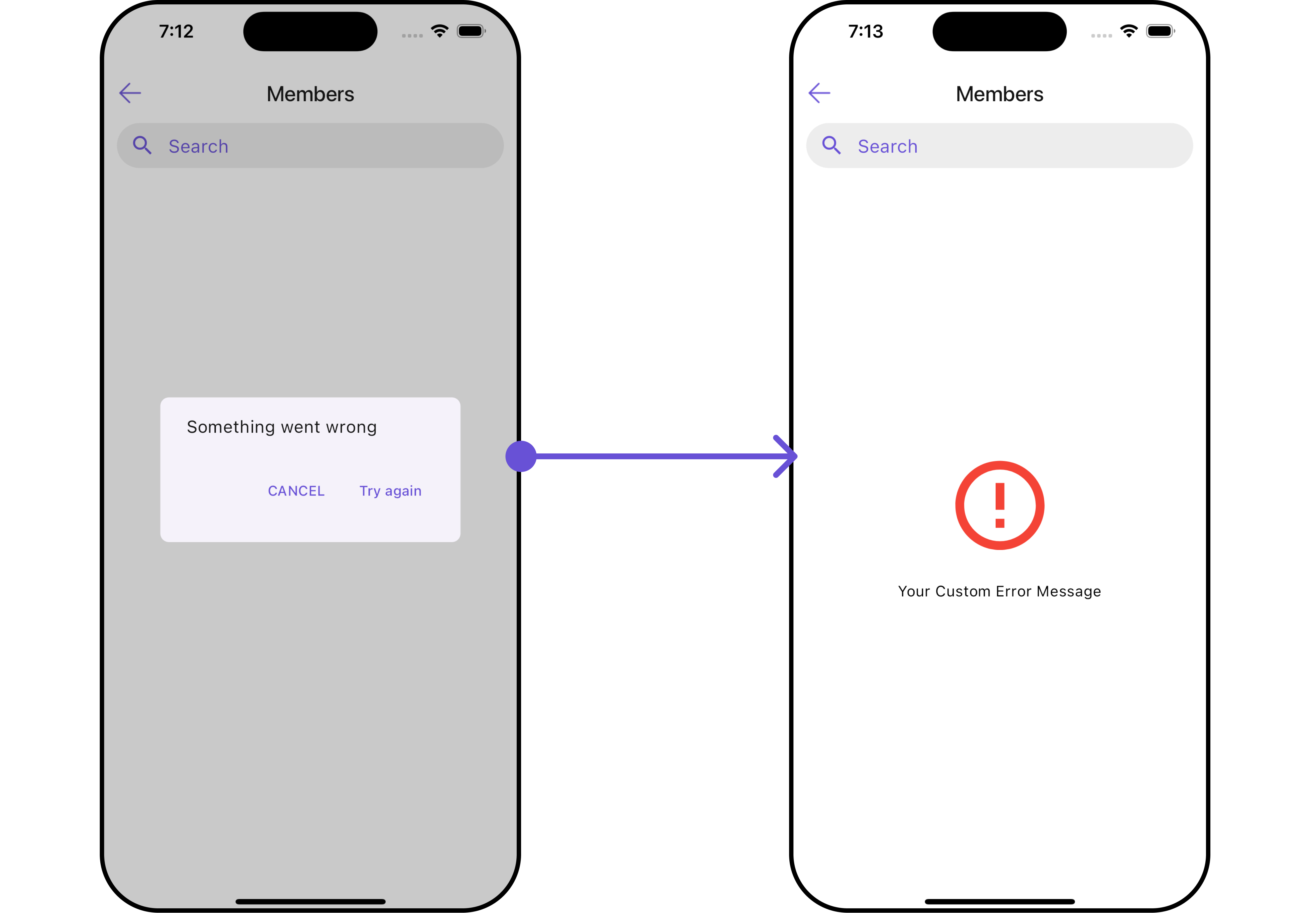
You can set a customErrorStateView using errorStateView to match the error UI of your app.
- Dart
widget
- Dart
main.dart
- Android
- iOS