> ## Documentation Index
> Fetch the complete documentation index at: https://cometchat-22654f5b-docs-multi-attachment-react-uikit-v7.mintlify.site/llms.txt
> Use this file to discover all available pages before exploring further.
# Implementation Checklist
> Follow the CometChat implementation checklist for signup, SDK or UI Kit integration, user sync, extensions, testing, and launch.
### 1. Complete the Signup Process
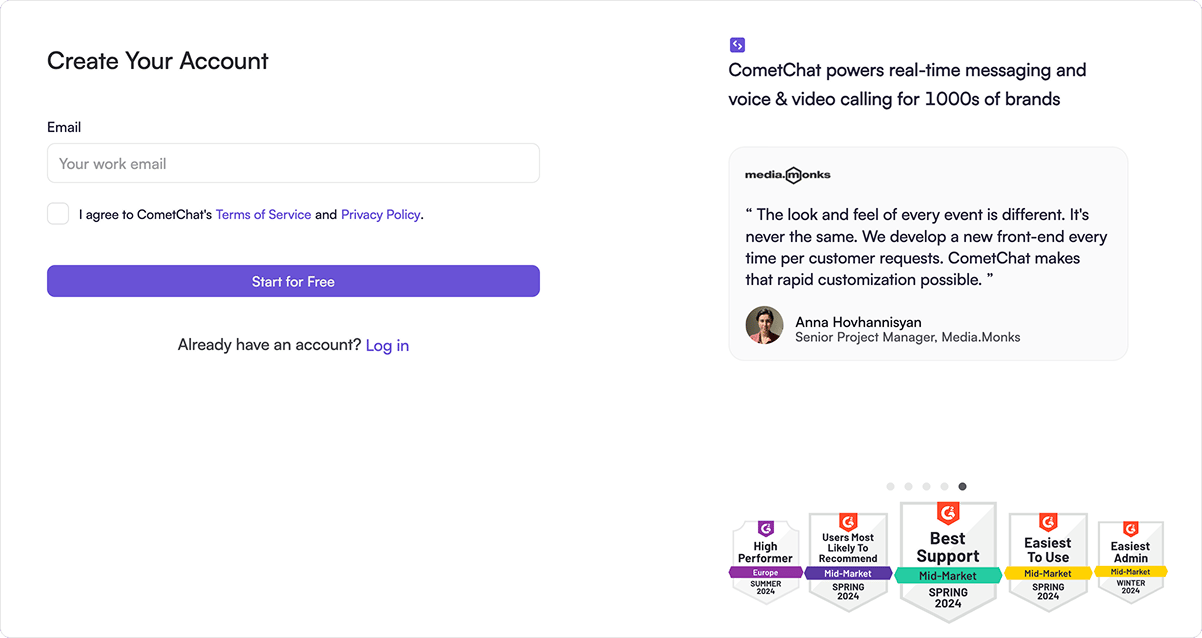 * [Create a free account](https://app.cometchat.com/signup) with CometChat.
* Familiarize yourself with the [key concepts](/fundamentals/key-concepts).
* Send invitations to other developers, product owners for collaboration.
### 2. Integrate the chosen UI Kit or SDK into your application
* [Create a free account](https://app.cometchat.com/signup) with CometChat.
* Familiarize yourself with the [key concepts](/fundamentals/key-concepts).
* Send invitations to other developers, product owners for collaboration.
### 2. Integrate the chosen UI Kit or SDK into your application
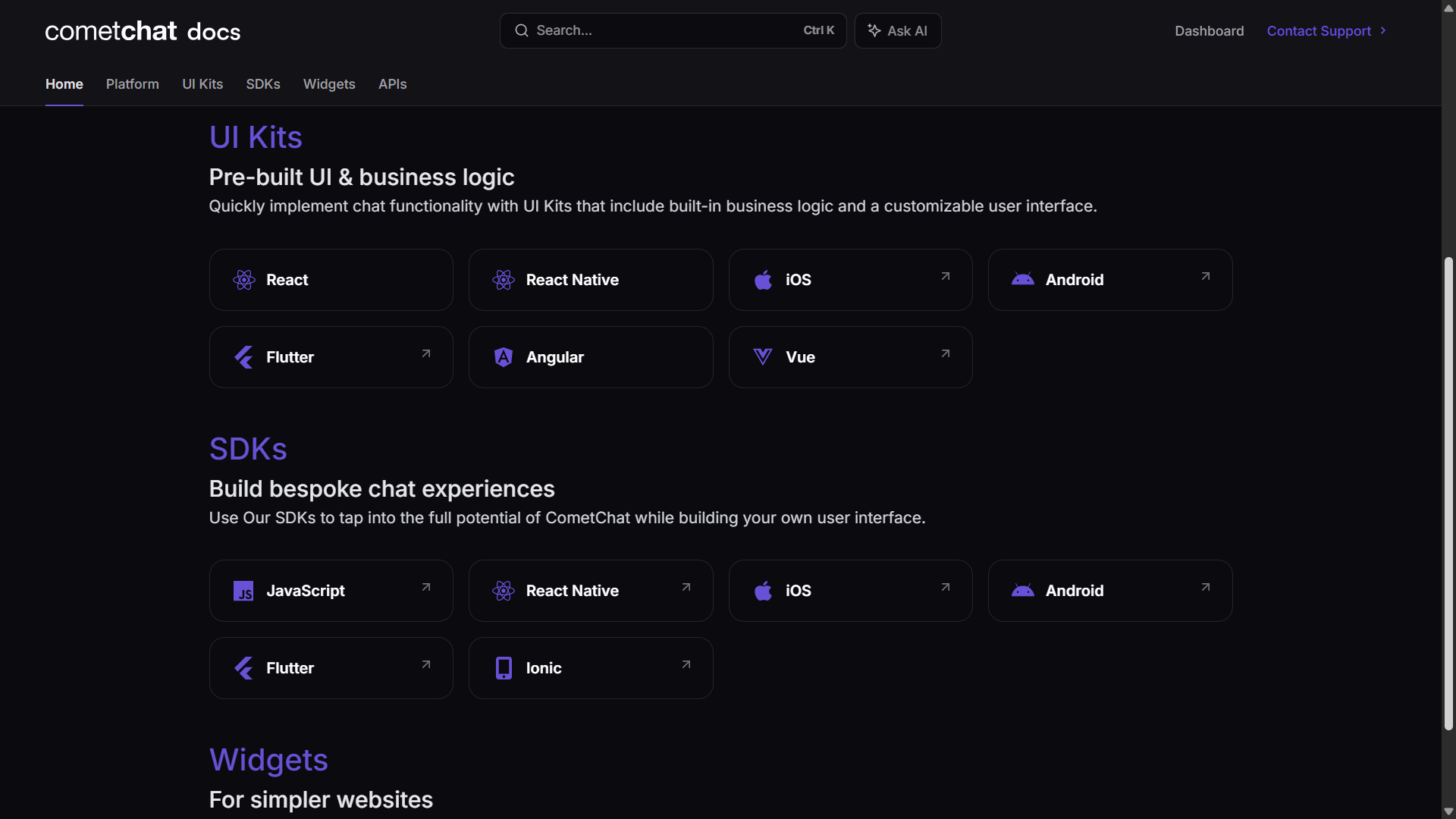 * Choose to integration CometChat in your app either by using UI Kits or SDKs.
* Have a look at our Sample apps for quickly checking out features and functionalities.
* UI Kits: [React](/ui-kit/react/overview), [React Native](/ui-kit/react-native/overview), [iOS](/ui-kit/ios/overview), [Android](/ui-kit/android/overview), [Flutter](/ui-kit/flutter/overview), [Angular](/ui-kit/angular/overview), [Vue](/ui-kit/vue/overview)\
SDKs: [JavaScript](/sdk/javascript/overview), [React Native](/sdk/react-native/overview), [iOS](/sdk/ios/overview), [Android](/sdk/android/overview), [Flutter](/sdk/flutter/overview), [Ionic/Capacitor](/sdk/ionic-legacy/overview) & [Sample apps](https://github.com/cometchat)
### 3. Synchronize users and groups utilizing the APIs
* This step involves the backend side of implementation.
* When a new user signs up in your system, create the corresponding user's entry with CometChat using APIs.
* Whenever a user's details are updated in your system, synchronize them with CometChat.
* [Create users API](/rest-api/users/create)
* [Update users API](/rest-api/users/update)
### 4. Enable necessary extensions
* Choose to integration CometChat in your app either by using UI Kits or SDKs.
* Have a look at our Sample apps for quickly checking out features and functionalities.
* UI Kits: [React](/ui-kit/react/overview), [React Native](/ui-kit/react-native/overview), [iOS](/ui-kit/ios/overview), [Android](/ui-kit/android/overview), [Flutter](/ui-kit/flutter/overview), [Angular](/ui-kit/angular/overview), [Vue](/ui-kit/vue/overview)\
SDKs: [JavaScript](/sdk/javascript/overview), [React Native](/sdk/react-native/overview), [iOS](/sdk/ios/overview), [Android](/sdk/android/overview), [Flutter](/sdk/flutter/overview), [Ionic/Capacitor](/sdk/ionic-legacy/overview) & [Sample apps](https://github.com/cometchat)
### 3. Synchronize users and groups utilizing the APIs
* This step involves the backend side of implementation.
* When a new user signs up in your system, create the corresponding user's entry with CometChat using APIs.
* Whenever a user's details are updated in your system, synchronize them with CometChat.
* [Create users API](/rest-api/users/create)
* [Update users API](/rest-api/users/update)
### 4. Enable necessary extensions
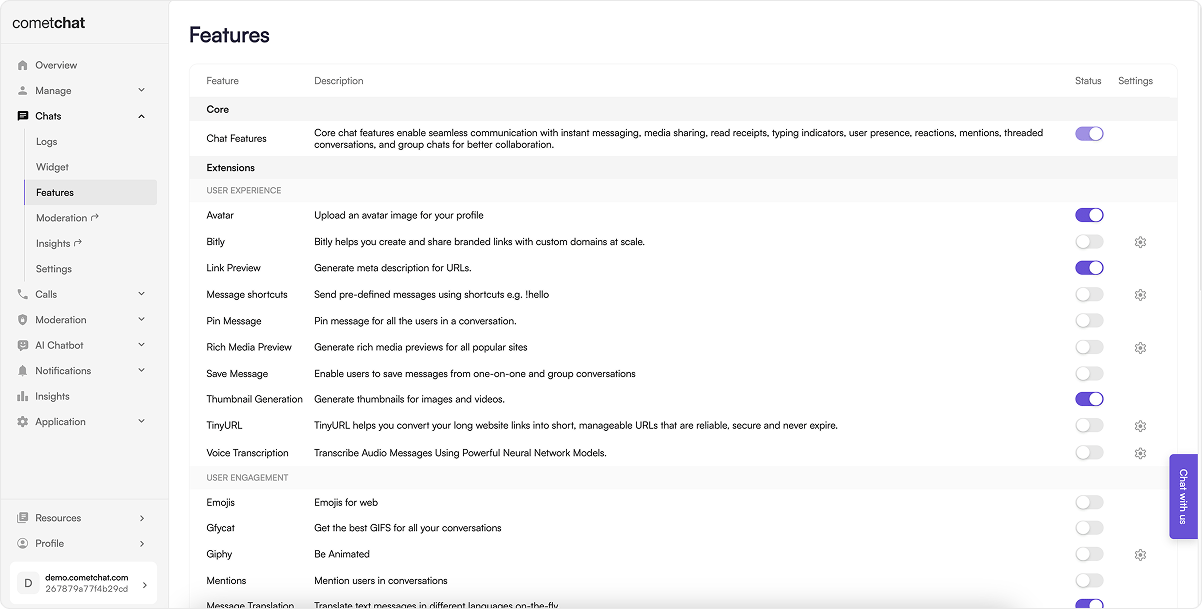 * Enable extensions like [Thumbnail generator](/fundamentals/thumbnail-generation), [Message translation](/fundamentals/message-translation), etc.
* Implement the frontend for these [extensions](/fundamentals/extensions-overview) in case the implementation does not exist.
### 5. Implement Push notifications
* Drive user engagement in your applications through the integration of [Push Notifications](/notifications/push-overview).
### 6. Integrate CometChat AI
* Enable extensions like [Thumbnail generator](/fundamentals/thumbnail-generation), [Message translation](/fundamentals/message-translation), etc.
* Implement the frontend for these [extensions](/fundamentals/extensions-overview) in case the implementation does not exist.
### 5. Implement Push notifications
* Drive user engagement in your applications through the integration of [Push Notifications](/notifications/push-overview).
### 6. Integrate CometChat AI
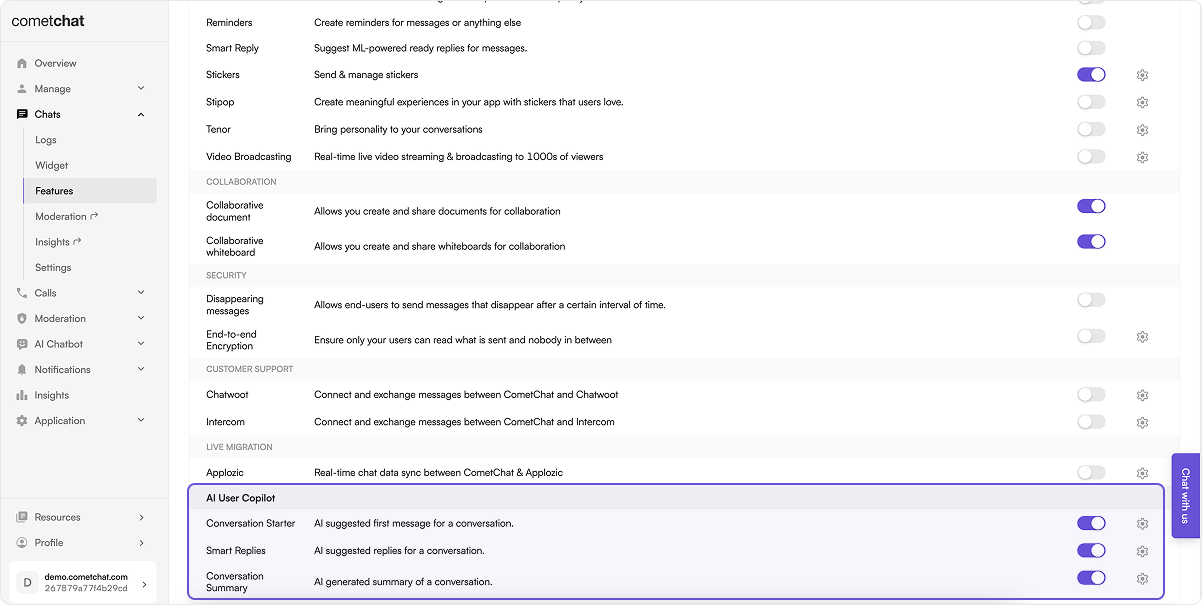 * Ignite natural and organic converstaions between your users.
* [CometChat AI](/fundamentals/ai-user-copilot/overview)
### 7. Set up bots
* Ignite natural and organic converstaions between your users.
* [CometChat AI](/fundamentals/ai-user-copilot/overview)
### 7. Set up bots
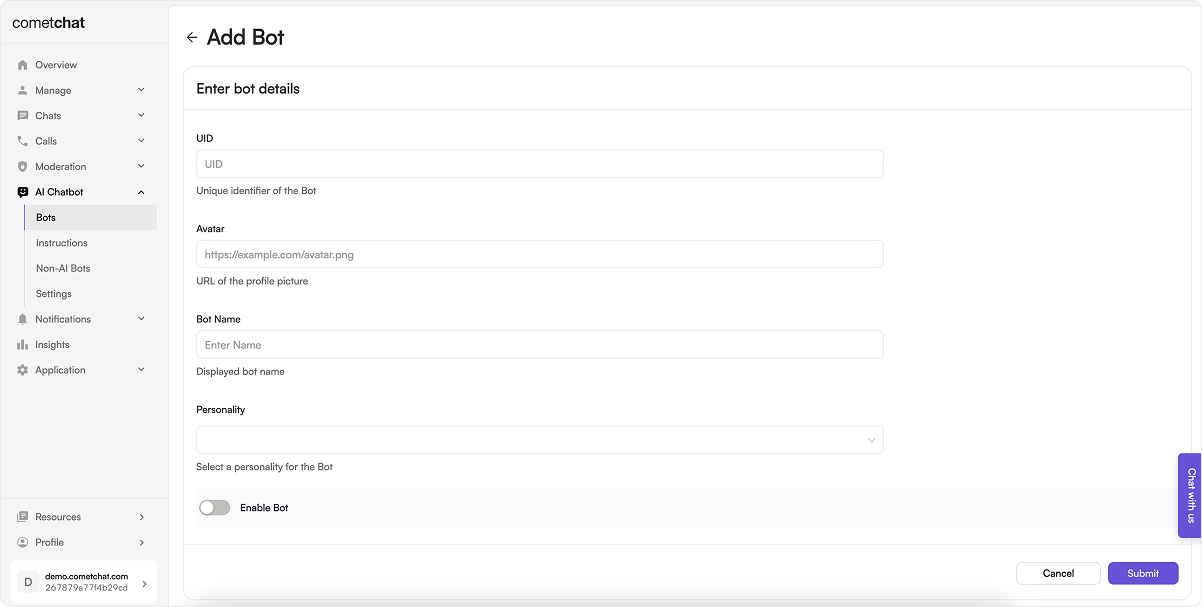 * [Bots](/ai-chatbots/custom-bots) are unique users capable of autonomously sending and receiving messages. You can define a bot's behaviour by implementing and exposing your business logic using Callback URLs.
### 7. Set up webhooks
* [Bots](/ai-chatbots/custom-bots) are unique users capable of autonomously sending and receiving messages. You can define a bot's behaviour by implementing and exposing your business logic using Callback URLs.
### 7. Set up webhooks
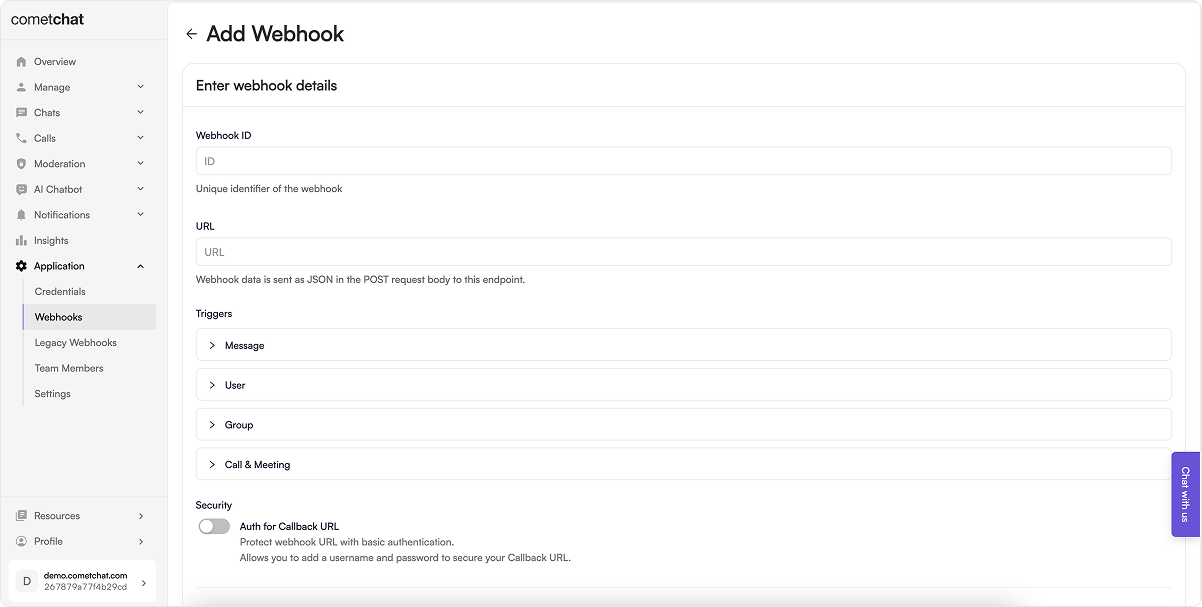 * [Webhooks](/fundamentals/webhooks) faciliate real-time event-driven communication with your system, enabling you to receive HTTP POST requests from CometChat that carry details about different events.
### 9. Secure user logins with authentication tokens
* Ensuring safe and secure authentication of users in CometChat is crucial. Achieve this by utilizing [auth tokens](/rest-api/chat-apis).
* Generate and retrieve the [auth token](/rest-api/chat-apis) through your backend system, then supply it to the frontend.
### 10. Set up data import and migration
* To seamlessly transition from your existing chat solution to CometChat's comprehensive solution, you will need to [import your existing data](/fundamentals/data-import-and-migration) as well as migrate the [live data](/fundamentals/data-import-and-migration) to CometChat.
### 11. Launch your applications with the new messaging capabilities
* Delete default/test users and groups.
* Select a correct billing plan.
* Go live with your apps powered by CometChat.
* [CometChat Dashboard](https://app.cometchat.com).
* [Webhooks](/fundamentals/webhooks) faciliate real-time event-driven communication with your system, enabling you to receive HTTP POST requests from CometChat that carry details about different events.
### 9. Secure user logins with authentication tokens
* Ensuring safe and secure authentication of users in CometChat is crucial. Achieve this by utilizing [auth tokens](/rest-api/chat-apis).
* Generate and retrieve the [auth token](/rest-api/chat-apis) through your backend system, then supply it to the frontend.
### 10. Set up data import and migration
* To seamlessly transition from your existing chat solution to CometChat's comprehensive solution, you will need to [import your existing data](/fundamentals/data-import-and-migration) as well as migrate the [live data](/fundamentals/data-import-and-migration) to CometChat.
### 11. Launch your applications with the new messaging capabilities
* Delete default/test users and groups.
* Select a correct billing plan.
* Go live with your apps powered by CometChat.
* [CometChat Dashboard](https://app.cometchat.com).